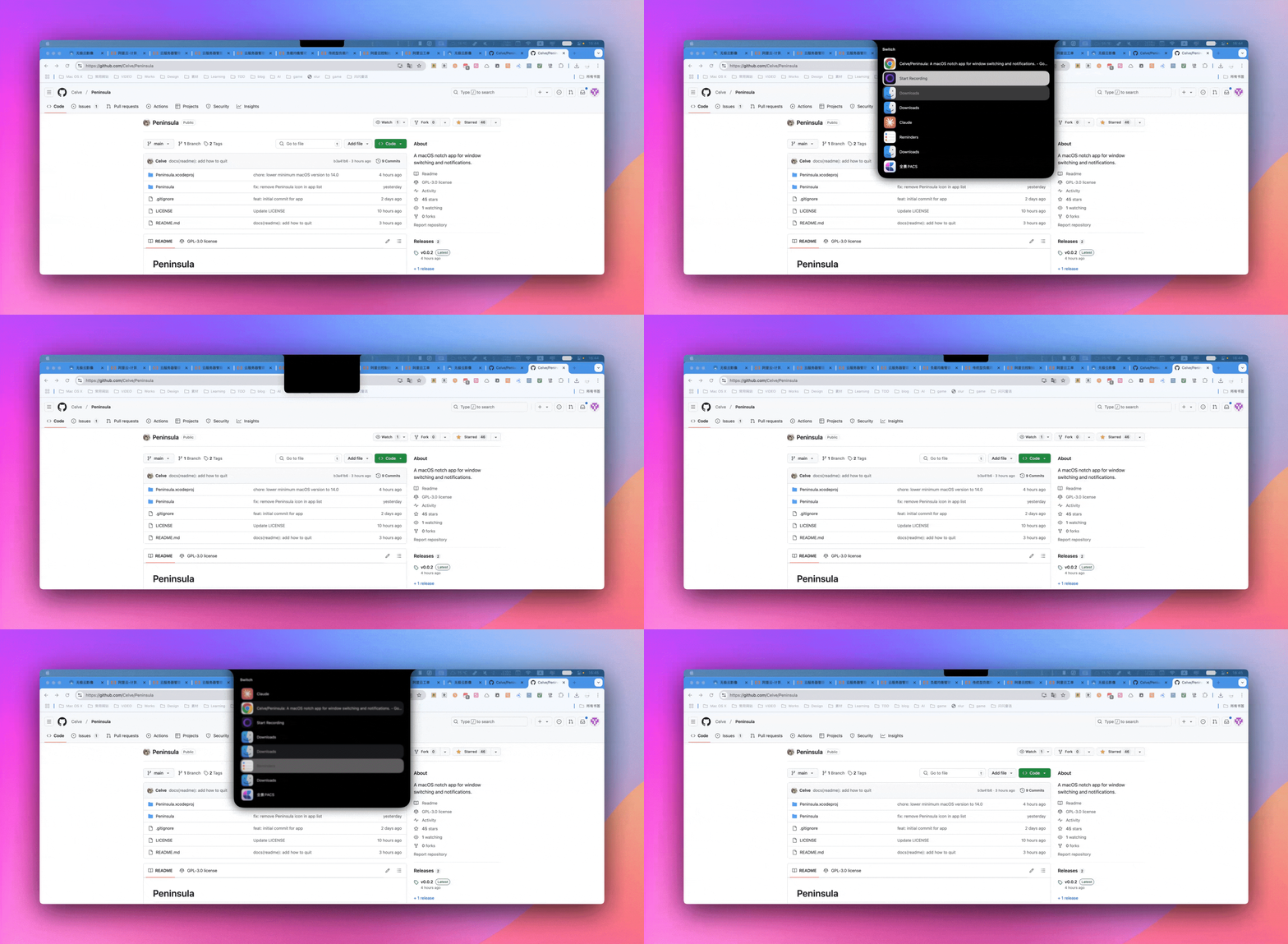
Peninsula Mac OS 下的快速切换工具
目录
Peninsula Mac OS 下的快速切换工具
GitHub 地址:https://github.com/Celve/Peninsula
可以用⌘+ tab 进行快速的进行切换
好处是漂亮美观方便操作
Cmd-Tab Cmd-Tab键
Replace the default Cmd-Tab with a more useful app switcher. Use cmd + tab to show the app switcher:
用更有用的应用程序切换器替换默认的 Cmd-Tab。使用cmd + tab显示应用程序切换器:
- Hold
cmdand presstabto move to the next app 按住cmd并按tab移动到下一个应用程序 - Hold
cmdand pressshiftto move to the previous app 按住cmd并按shift移至上一个应用程序 - Hold
cmdand pressescto exit the app switcher and do nothing 按住cmd并按esc退出应用程序切换器并且不执行任何操作 - Unhold
cmdto select the app 按住cmd选择应用程序